

Key Takeaways
- Most solar faults fall into a handful of buckets: no output, low output, inverter error codes, grid or anti-islanding trips, and insulation alarms. Knowing the bucket is half the fix.
- Always start at the inverter display and the meter, not the roof. The numbers tell you whether the problem is generation, wiring, or the grid.
- Roughly 8 out of 10 no-output calls I have attended trace back to a tripped breaker, a blown DC fuse, or a grid dropout, not a dead panel.
- DC voltage, mains, and rooftop work are genuinely dangerous. Isolate first, and hand off anything you are unsure about to a licensed electrician.
- Good records, a simple annual check, and clean panels prevent most problems before they ever throw a fault.
A solar system that suddenly stops earning you units is stressful, but the fix is usually simpler than it looks. This solar troubleshooting guide is the map I wish every homeowner had taped inside the meter cupboard: a calm, ordered way to find out what is actually wrong before you call anyone or climb anything. I am Arjun Mehta, and over years of commissioning and servicing rooftop systems across Indian homes I have learned that most faults announce themselves clearly if you know where to look. You will learn how to read the symptoms, run safe checks in the right order, decide what you can fix yourself, and when to call a pro.
How solar systems fail: the five buckets
When I commissioned my first dozen systems, faults felt random. They are not. Almost every problem sorts into one of five buckets, and naming the bucket is the fastest route to a fix. Get the bucket right and the rest of your solar system troubleshooting practically writes itself.
- No output - the inverter is dark or reads zero, and your meter shows nothing coming in.
- Low output - it works, but generation is well below what the day and season should give.
- Inverter error or fault codes - a specific alarm, code, or blinking light on the display.
- Grid or anti-islanding trips - the inverter keeps disconnecting and reconnecting with the grid.
- Insulation or isolation alarms - a Riso or insulation-resistance warning tied to moisture or a wiring fault.
Each bucket has its own dedicated walkthrough on this site, linked below. This page is the hub that ties them together and gives you the first-response routine.
Before you touch anything: safety first
Solar is quiet, but it is not gentle. A string of panels in daylight can sit at 300 to 600 volts DC, and DC does not let go the way household AC does. The AC side is live mains. Neither forgives a careless hand.
Warning: Never open DC connectors or the inverter DC cover under load. Switch off the AC first, then the DC isolator, and wait at least five minutes for capacitors to discharge. If a check needs the covers off, a live meter on mains, or any roof access, that is licensed-electrician territory. When in doubt, stop and call one.
My rule on site is simple: isolate before you inspect. Confirm the AC breaker is off, the DC isolator is off, and only then do anything with a cover or a connector. If you cannot make a check safely from the ground with everything isolated, it waits for a professional.
The first-response routine: read before you climb
The single biggest mistake I see is people heading straight for the roof. The roof is almost never where the answer is. The answer is on the inverter display and the meter. Work through this order every time.
- Look at the inverter display. Is it on, off, or showing a code? Note the exact code, any blink pattern, and the live power reading in watts.
- Check the time of day and weather. Zero output at 6 pm or under heavy monsoon cloud is normal, not a fault.
- Read your meter. Is it recording import, export, or nothing? This separates a generation problem from a grid problem.
- Check the breakers and isolators. Look for a tripped AC MCB or an open DC isolator before assuming anything worse.
- Compare to a good day. Open the inverter app and look at yesterday or last week. Sudden cliffs point to faults, gentle sags point to soiling or shading.
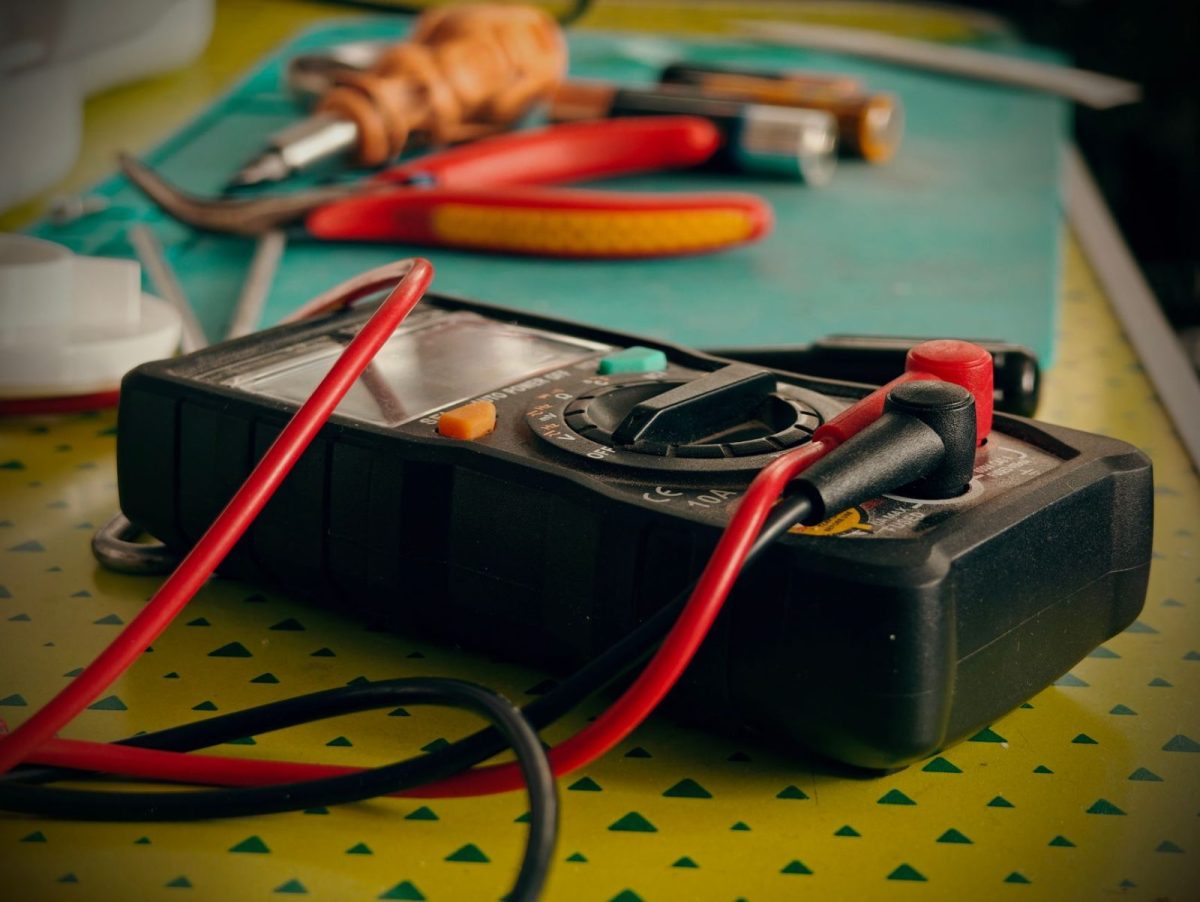
Over a few dozen call-outs I noticed a pattern: roughly eight in ten no-output complaints were solved at the meter cupboard, not on the roof. A tripped breaker after a voltage spike, a nuisance grid trip during unstable supply, or an isolator someone knocked off during cleaning. Reading first saves a climb and often saves a service fee.
Bucket 1: solar system produces no output
A dead inverter is dramatic but often trivial. Confirm the AC breaker is on and the DC isolator is on. If the display is completely dark even in bright sun, suspect an AC-side disconnect, a grid outage, or a blown DC string fuse. If it powers up but shows zero watts with a grid-related code, the fault is usually on the grid side, not your panels.
Work outward from the inverter: AC connection, then grid status, then DC input, then the array. That order matches how often each part is actually the culprit. For the full ground-up sequence with what to measure at each stage, follow our solar no-output troubleshooting, step by step walkthrough.
Bucket 2: solar output is low
Low output is sneakier than no output because the system looks healthy. The usual suspects, in the order I check them, are soiling, shading, high-temperature derating, one weak string, and MPPT or wiring issues. Dust and bird droppings alone can quietly cost you 15 to 25 percent in the dry pre-monsoon months in much of India.
Compare today against a clear day at the same season, not against the nameplate rating. A 5 kW system rarely hits 5 kW; 3.8 to 4.3 kW at solar noon on a clear cool day is often the realistic ceiling. Our solar low-output troubleshooting, step by step guide shows how to isolate soiling from shading from a genuine string fault.
Tip: Before diagnosing low output as a fault, clean the panels and recheck. A gentle water rinse in the early morning removes the most common cause for free. See our guide on how to safely clean solar panels so you do not scratch the glass or void a warranty.
Bucket 3: inverter error and fault codes
Modern inverters are honest to a fault. When something is wrong they tell you with a code or a blink pattern, and that code is your fastest diagnostic. The trouble is that every brand names them differently. A grid fault might read as GFCI, GRID FAULT, Fac fault, or a numeric code depending on whether you run a Growatt, Luminous, Sungrow, or Deye unit.
Write the code down exactly, then look it up rather than guessing. Many codes are transient and self-clear once the grid or temperature settles. A few point to real hardware issues. Our how to decode inverter error and fault codes reference maps the common families so you know whether to wait, reset, or call.
| Symptom family | Common cause | Your first move | Dedicated guide |
|---|---|---|---|
| No output | Tripped breaker, grid outage, DC fuse | Check AC/DC isolators and meter | No-output troubleshooting |
| Low output | Soiling, shading, heat derating | Clean, then compare to a clear day | Low-output troubleshooting |
| Error code | Grid, temperature, or hardware | Record the exact code and look it up | Inverter error codes |
| Repeated grid trips | Voltage or frequency out of range | Log when and how often it trips | Grid-fault and anti-islanding |
| Isolation alarm | Moisture, damaged cable, connector | Note if it clears when dry | Insulation-resistance alarm |
Bucket 4: grid-fault and anti-islanding trips
Anti-islanding is a safety feature, not a defect. Your grid-tied inverter is legally required to shut down within milliseconds if it detects the grid is unstable or absent, so it does not backfeed a line that a lineman might be working on. In areas with weak or wobbly supply, that protection can trip many times a day and feel like a fault.
The pattern matters. Trips clustered at midday when export is highest often mean grid voltage is rising past the upper limit. Trips during known local outages are simply the inverter doing its job. Log the timing before you escalate. Our fixing grid-fault and anti-islanding trips guide, and the India-specific solar grid-fault trips: causes and fixes in India, cover what you can adjust versus what needs your DISCOM.
Bucket 5: insulation and isolation alarms
An insulation-resistance or Riso alarm means the inverter has detected a path where current could leak to earth. The most common trigger I find is moisture: dew, a monsoon night, or water that has crept into a DC connector or a nicked cable. These alarms often clear on their own once the sun dries things out by mid-morning.
If the alarm clears daily and returns each damp morning, you likely have a marginal connector or a cable rubbing on a sharp edge. If it never clears, treat it seriously and isolate the system. This one sits close to genuine electrical risk, so read our solving isolation and insulation-resistance alarms guide and do not go probing DC cables live.
A real underperformance case, start to finish
One system I know well was quietly losing generation over a couple of months. Nothing dramatic, no error code, just a slow droop the owner blamed on the weather. When I sat with the app history, the story was clear: a gentle downward slope on clear days pointed at soiling, and a repeatable afternoon shadow line pointed at a newly grown neem tree, not a hardware fault.
A morning clean recovered the bulk of it, and trimming two branches fixed the afternoon dip. No parts, no service charge, just reading the data in the right order. That is the whole philosophy of this guide. For the full narrative with the app screenshots and reasoning, see how I diagnosed my solar system's underperformance.
DIY or call a licensed electrician?
Plenty of the first-response routine is safe DIY: reading the display, checking the meter, resetting a tripped MCB, rinsing panels, logging trip times. That covers a large share of complaints without anyone lifting a cover.
The line I draw is voltage and access. Anything that needs the inverter DC cover off, a live meter on mains, DC connector work, or roof access goes to a licensed electrician or your installer under warranty. There is no prize for being brave with 500 volts DC. Our honest breakdown of DIY vs licensed electrician: when to call a pro maps each task to the right hands.
| Task | Safe to DIY? | Why |
|---|---|---|
| Reading display and app history | Yes | No live parts touched |
| Resetting a tripped AC breaker | Yes | Standard household action |
| Rinsing panels from the ground | Usually | Ground level, water only, no scrubbing |
| Opening DC connectors or inverter cover | No | High-voltage DC, arc risk |
| Metering live mains | No | Licensed work |
| Any roof access | No | Fall risk plus live DC |
Prevention: fixing problems before they start
The best solar repair guide is the one you rarely need. Most of the faults above are preventable with a light touch of upkeep. Keep the panels reasonably clean, keep a simple log of monthly units, and give the system one proper look-over a year.
A yearly walkthrough catches loose terminals, ageing connectors, and creeping shade before they become a call-out. Work through our annual solar system maintenance checklist, steer clear of the traps in common solar maintenance mistakes to avoid, and if you want more years out of the hardware, read how to extend your solar system's lifespan. It also helps to separate real upkeep from folklore with our solar maintenance myths vs facts, debunked.
For grid connection rules, subsidy terms, and net-metering norms that affect how your system is allowed to behave, the Ministry of New and Renewable Energy is the primary reference; see MNRE. For plain-language technical background on how PV systems perform, the U.S. National Renewable Energy Laboratory at NREL is a solid, non-commercial source.
Frequently Asked Questions
Why is my solar inverter showing zero output during the day?
Usually a tripped AC breaker, an open DC isolator, or a grid outage rather than a dead panel. Check that both isolators are on and read your meter first. If the display is dark in bright sun, suspect an AC-side disconnect or a blown DC fuse and follow the no-output guide.
How do I know if my solar problem is the panels or the grid?
Read the inverter code and the meter together. Grid-related codes with the panels healthy point to supply issues, and trips during outages are normal anti-islanding. A steady low reading on clear days with no grid code points to soiling, shading, or an array fault instead.
Is it safe to troubleshoot a solar system myself?
Reading the display, checking breakers, and rinsing panels from the ground are safe. Anything involving DC connectors, the inverter cover, live mains, or roof access is not. Panel strings can sit at hundreds of volts DC, which does not forgive mistakes, so isolate first and call a licensed electrician when unsure.
My inverter keeps disconnecting and reconnecting. Is it broken?
Often not. Grid-tied inverters must disconnect within milliseconds when grid voltage or frequency drifts out of range, which is anti-islanding protection working correctly. On weak supply it can trip repeatedly. Log the timing and frequency of the trips, then follow the grid-fault guide before assuming a hardware fault.
How often should I check my solar system to avoid faults?
Glance at your generation monthly and do one thorough inspection a year. Monthly logging catches slow droops early, while an annual check finds loose terminals, ageing connectors, and new shading before they trip a fault. Regular panel cleaning during dusty months prevents the most common low-output complaints entirely.
Conclusion
Solar troubleshooting is not guesswork once you have a system: name the bucket, read the numbers before you climb, respect the voltage, and lean on the right specialist guide for the details. Do that and you will resolve most problems calmly, often without spending a rupee. Bookmark this page as your starting point, and when a specific symptom appears, jump into the matching walkthrough or our annual solar system maintenance checklist to keep the whole system healthy. To learn more about who writes these guides, visit our about page.