


Key Takeaways
- Most solar monitoring myths come from confusing the inverter, the app, and the meter as one thing when they are three separate layers.
- Monitoring does not "make" your system produce more power, but it absolutely helps you catch faults that quietly steal power for months.
- Free manufacturer apps are enough for most Indian homes; you rarely need a paid third-party platform on day one.
- A monitoring gap of a few kWh between the app and your DISCOM meter is normal, not a defect or a scam.
- No internet does not mean no monitoring; many inverters log locally and sync later, and some read out over Bluetooth.
Ask ten solar owners how their system is doing and you will get ten different beliefs about the little app on their phone. Some think solar monitoring myths are harmless; I have seen them cost real money. After commissioning dozens of rooftop systems across Indian homes, I keep hearing the same confident-but-wrong claims, so this piece separates monitoring misconceptions from monitoring facts. You will learn what monitoring can and cannot do, why the numbers never match perfectly, whether you actually need a paid platform, and how to do a little honest myth busting the next time a neighbour or a salesperson tells you something that sounds off.
Myth 1: Monitoring makes your solar system produce more power
This is the most common myth, and it is easy to see why people believe it. A monitoring app feels like a control panel, so it should control something, right? In reality, monitoring is a rear-view mirror, not an accelerator. It reports what the panels and inverter already did; it does not change the physics.
What monitoring actually does is catch the things that silently reduce output. On one Pune install, the app flagged that one of three strings was producing almost nothing after a monsoon. A loose DC connector was the culprit. Without monitoring, that home would have lost roughly a third of its generation for weeks before anyone noticed the smaller bill savings.
Myth 2: The app number and the meter number should match exactly
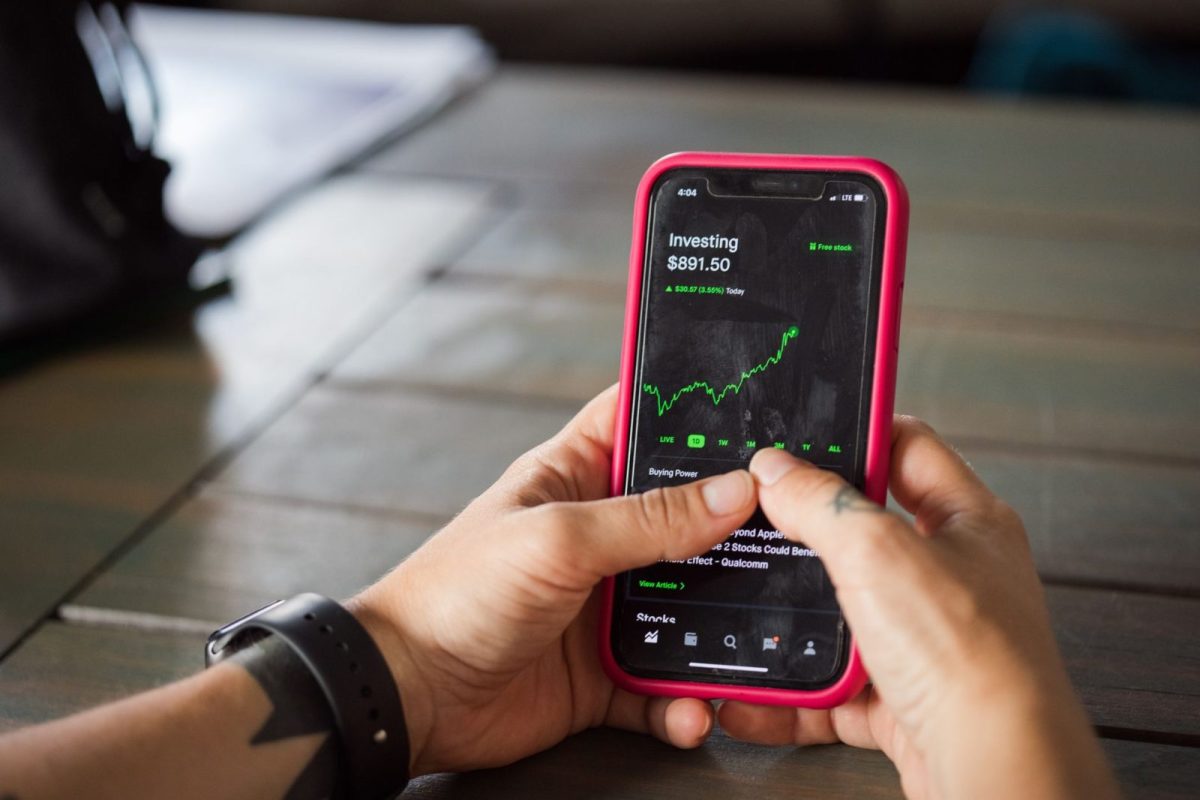
Here is where a lot of monitoring misconceptions turn into WhatsApp arguments. Owners open the inverter app, see 18.4 kWh, then check the DISCOM net meter and see a different figure, and assume someone is cheating. Both numbers are usually correct; they are simply measuring different things at different points.
The inverter app measures AC output at the inverter. Your bidirectional net meter measures only what you export to the grid after your home has consumed its share. Cable losses, self-consumption, and sampling intervals all add small gaps. A difference of a few percent is normal and expected.
| Reading source | What it measures | Why it differs |
|---|---|---|
| Inverter / app | Total AC generation at the inverter | Counts power you self-consume plus export |
| Net meter (export) | Only surplus sent to the grid | Excludes power used inside the home |
| Utility bill | Net import minus export over the cycle | Rounded, cycle-based, tariff-adjusted |
Tip: Compare like with like. If you want to sanity-check your app against a meter, use the inverter's generation meter reading, not the export-only DISCOM meter. That is the honest apples-to-apples comparison.
Myth 3: You need expensive third-party monitoring software
Salespeople love to upsell a paid monitoring subscription on top of the panels. For the large majority of Indian homes, the free app that ships with your inverter brand is genuinely enough. It shows live power, daily and lifetime generation, and basic fault alerts, which covers what a homeowner needs to act on.
Paid or advanced platforms earn their keep in specific cases: large systems with many inverters, commercial sites needing detailed reports, or fleets an installer manages remotely. If that is not you, save the money. Spend it instead on a good surge protection device or a proper earthing check, which protect the hardware doing the actual work.
When a paid platform does make sense
- Multi-inverter or multi-site setups where one dashboard saves real time.
- Panel-level monitoring needs, such as shaded roofs where you want to see each module.
- Businesses that must produce generation reports for accounting or subsidy records.
Myth 4: No internet means no monitoring at all
Plenty of owners in areas with patchy broadband assume monitoring is pointless for them. Not true. Most modern inverters log generation data locally in onboard memory and simply upload it whenever the connection returns. You lose the live cloud view during an outage, but the data itself is not lost.
Many units also expose a local Bluetooth or Wi-Fi hotspot, so you can walk up, connect your phone, and read live values with zero internet. When I commission a system in a low-signal village, I always show the owner this local method first, because it works on the worst days when they need it most.
Myth 5: A dip in daily output means the system is faulty
New owners often panic on the first cloudy week, convinced the panels are failing. Solar generation is weather-driven, so day-to-day swings are completely normal. A rainy July day producing half of a clear April day is not a defect; it is the sun doing sun things behind clouds.
The real skill is reading trends, not single days. Compare this month to the same month last year, or compare your roof to a neighbour's similar system on the same day. A genuine fault usually shows up as a sudden, sustained drop against those baselines, or as one string flat-lining while others carry on normally.
Warning: If your app shows zero output in bright daylight or an active fault code, do not open the inverter or touch DC cabling yourself. Live DC from panels can be lethal even when the grid is off. Note the code and call your installer.
Myth 6: Monitoring drains a lot of power or data
Some owners disable Wi-Fi on the inverter to "save electricity" or worry the app eats their mobile data. The communication module sips a tiny amount of power, on the order of a small phone charger left plugged in, and the data it uploads is measured in a few megabytes a day at most. The savings from switching it off are effectively zero.
The cost of switching it off, though, is real. With monitoring disabled you go blind, and blind systems are where slow faults hide. I would rather a home spend a rupee a month on data than lose hundreds of rupees to an unnoticed dead string over a season.
How to think about monitoring honestly
Strip away the myths and the picture is simple. Monitoring is a diagnostic tool: it will not add a single unit of generation, but it will tell you the moment your system starts leaking units. Treat the app as a health check you glance at weekly, not a magic dial, and you will get the real value from it.
If you are setting things up, avoid the classic errors we cover in common solar monitoring setup mistakes, and keep our solar monitoring FAQ with 15 questions answered handy for the smaller doubts. For the full picture, our complete guide to solar monitoring ties every piece together. You can also read how we test and who we are on our about page. For neutral background on rooftop solar policy, the Ministry of New and Renewable Energy and NREL are solid references.
Frequently Asked Questions
Does solar monitoring increase my electricity generation?
No. Monitoring only reports what your panels and inverter already produce. Its value is diagnostic: it helps you spot faults, shading, or dead strings early, so you fix the things that were quietly reducing output. That recovered generation is real, but the app itself adds nothing.
Why does my inverter app show more than my electricity meter?
Because they measure different things. The app shows total AC generation at the inverter, while a net meter records only the surplus you export after your home consumes its share. Self-consumption and small cable losses explain the gap. A difference of a few percent is normal, not a fault.
Can I monitor my solar system without internet?
Yes. Most inverters log data locally and upload it once the connection returns, so nothing is lost during an outage. Many also offer a local Bluetooth or Wi-Fi hotspot that lets you read live values directly on your phone with no internet at all.
Do I need to pay for third-party monitoring software?
For most Indian homes, no. The free app from your inverter brand shows live power, daily and lifetime totals, and fault alerts, which is enough to act on. Paid platforms mainly benefit large, multi-inverter, or commercial sites needing detailed reporting or remote fleet management.
Is a low-generation day a sign my panels are failing?
Usually not. Solar output tracks the weather, so cloudy or rainy days naturally produce less. Judge health by trends, comparing month over month or against a similar nearby system. A real fault shows as a sudden, sustained drop or one string flat-lining while the others produce normally.
Conclusion
The kindest thing you can do for your solar investment is treat monitoring as an honest health check, not a myth-shrouded magic box. It will not make more power, the numbers will never match perfectly, and the free app is usually plenty, but it will save you from months of silent losses. If you want to go deeper, start with our complete guide to solar monitoring and build the habit of a weekly glance.